Why Your AI Workflows Get 60% and Ours Get 85%
Same model, same task, 25-point approval gap. The difference isn't prompt engineering. It's what your AI agent can access.

Author
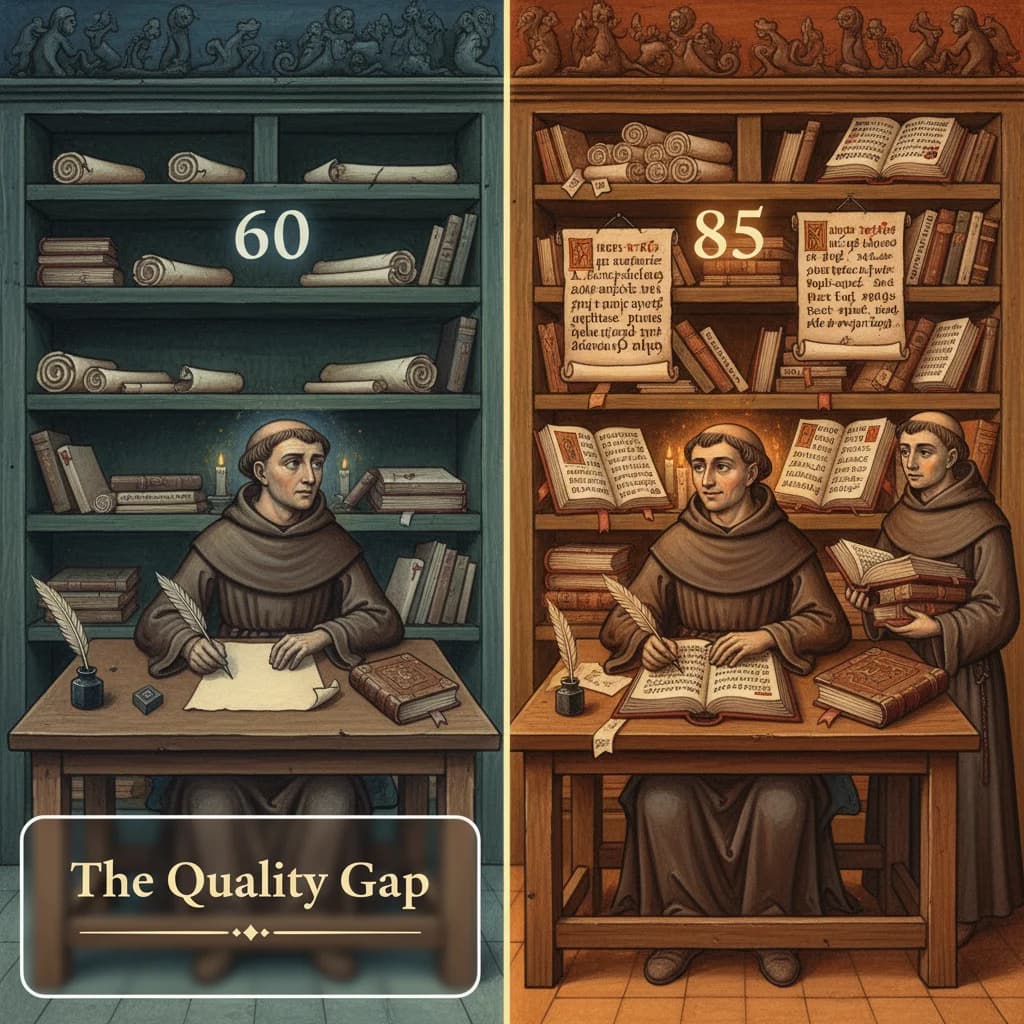
We ran the same AI workflow three different ways.
Same model. Same task. Same goal: generate social media responses that our client would approve.
The results:
| Approach | Approval Rate |
|---|---|
| Simplified prompts (automated) | 60% |
| Full prompts (manual) | 85% |
| Full prompts (automated) | 85% |
A 25-percentage-point gap.
The obvious conclusion: longer prompts are better. The actual conclusion is different.
The Prompt Isn't the Problem
Our simplified prompts looked like this:
const response = await generateText({
  model: anthropic('claude-opus-4-5'),
  system: `You are a helpful assistant responding to Reddit posts.
Keep responses concise and helpful.
Don't be promotional.`,
  prompt: `Write a response to this post: ${post.title}\n\n${post.body}`,
});
Fifty tokens. Basic instructions. No context.
Our full prompts are 1000+ lines of markdown:
- Voice guidelines (tone, style, register)
- AI tells to avoid (patterns that flag content as machine-generated)
- Quality standards (minimum requirements for approval)
- Annotated examples (what good looks like, with explanations)
- Research steps (what to look up before writing)
But here's what matters: the full prompts work because the agent can read files.
The 85% approach can access:
- Prior approved responses to learn the voice
- Steering guidelines from past rejections
- Knowledge base for claims and sources
- Research context from other workflows
The 60% approach can access nothing. It writes blind.
The Five Capabilities Gap
The 25-point gap comes from five capabilities that simple AI SDK calls lack.
1. Full Filesystem Access
Your agent needs to read:
content/published/*.md: Prior approved work (what good looks like)steering-guidelines.md: Learnings from past feedbackbrand-kit.md: Voice, terminology, positioningresearch/*.md: Source material for claims
Without file access, the agent is blind to everything your team has learned.
A human writer wouldn't draft without reviewing examples. Neither should an AI agent.
2. Rich Prompts (1000+ Lines)
A comprehensive prompt encodes institutional knowledge:
- Voice guidelines that took months to iterate
- AI tells extracted from revision cycles
- Quality standards from stakeholder feedback
- Examples with inline annotations
Fifty tokens of instructions can't contain this. It's not about length. It's about encoding what your team actually knows about good output.
3. Research Loops
A full agent workflow:
- Read the post
- Grep the knowledge base for relevant context
- Check prior responses for similar situations
- Draft a response
- Self-critique against guidelines
- Revise
A simplified workflow:
- Read the post
- Draft a response
No iteration. No self-correction. No context gathering.
4. Self-Modifying State
When a response gets rejected with feedback like "too promotional," a full workflow can:
- Extract the underlying principle
- Update steering guidelines
- Future runs automatically avoid that pattern
Simplified workflows are stateless. Same input leads to same mistakes, forever.
This is the difference between "a tool that helps" and "a system that learns."
5. Cross-Workflow Data
Social responses often need to reference:
- Article content from your blog
- Research from scraping workflows
- Product information from your catalog
- Prior engagement that worked well
Simplified workflows are isolated. They can't see what other workflows produced. They can't connect the dots.
The Quality Formula
Quality isn't one thing. It's a product of factors:
Quality = Prompt Richness × Context Access × Research Depth × State Persistence| Factor | Simplified | Full | Gap |
|---|---|---|---|
| Prompt Richness | 50 tokens | 2000+ tokens | 40x |
| Context Access | None | Full filesystem | ∞ |
| Research Depth | 0 loops | 3+ loops | 3x |
| State Persistence | None | Updated guidelines | ∞ |
When any factor is zero, quality collapses regardless of the others.
You can have the best prompt in the world. If your agent can't read prior work, it'll keep making mistakes you solved months ago.
The Solution: Give Scheduled Agents Full Access
The fix isn't prompt engineering. It's infrastructure.
We clone the entire repository into a sandbox environment. Scheduled agents get the same access as manual runs:
- Same filesystem tools (read, grep, glob)
- Same prompts (loaded from the repo, not embedded in code)
- Same research capabilities (search, fetch, query)
- Same state persistence (steering guidelines update during runs)
The prompt file is the source of truth. Whether a human triggers it or a scheduler triggers it, the agent reads the same instructions and accesses the same context.
Manual run:     Human → Prompt file → Full context → Output
Scheduled run:  Scheduler → Prompt file → Full context → Output
One source of truth. Quality parity follows automatically.
What This Means Practically
Before: Simplified Automation
- Prompts embedded in TypeScript
- No file access
- No research loops
- Stateless execution
- 60% approval rate
- 40% of output needs manual revision
After: Full Automation
- Prompts loaded from markdown files
- Complete filesystem access
- Research and self-critique loops
- Steering guidelines persist learning
- 85% approval rate
- 15% of output needs revision
The model didn't change. The prompts got richer. The context became accessible. The workflow gained memory.
The Three Questions to Ask Your AI Workflows
1. Can your agent read prior approved work?
If not, it has no examples to learn from. Every output is a guess about what you want.
2. Do learnings from feedback persist?
If not, same mistakes repeat. You're training the same model on the same failures, expecting different results.
3. Is the automated version as capable as the manual version?
If not, you've created a quality gap by design. Automation should match manual quality, not trade it for speed.
The Uncomfortable Truth
Most AI automation projects fail because they strip away context that humans take for granted.
A human writer naturally:
- Reviews examples before drafting
- Checks guidelines when uncertain
- Iterates on a draft before submitting
- Remembers feedback from past projects
When you automate, you often remove all of this. The AI gets a prompt and produces output. No examples. No guidelines. No iteration. No memory.
Then you're surprised when approval rates drop.
The fix: give your AI agents the same access you'd give a human contractor starting their first day.
- Here's what good looks like (prior work)
- Here are the rules we've learned (steering guidelines)
- Here's where to look things up (knowledge base)
- Here's how to know if you're done (quality standards)
That's not a prompt. That's an environment. Build the environment, and quality follows.
Related Reading
This article is part of our Five-Pattern Operating System series:
- Expert Knowledge Extraction: How to interview SMEs
- Steering Guidelines: The living document that improves every draft
- Client Delivery Structure: The folder structure methodology
- Cost Tracking: One tag = complete attribution
See Where You're Invisible
If you're building AI workflows and hitting the 60% wall, you're not alone. The gap is common. The fix is knowable.
We help trust-first brands build content systems that actually work. Get an AI visibility audit to see where the gaps are in your current setup.